Hello-world on the Cortex-M coprocessor
This example builds and runs a simple hello-world application on the Cortex-M coprocessor of NXP i.MX8 (8M Mini/Nano/Plus) and i.MX9 (93) modules, while Linux runs on the Cortex-A cores.
Please also read the chapter ‘Run a demo using Arm GCC’ in the ‘Getting Started with MCUXpresso SDK’ document shipped with the SDK (see Development environment setup).
Building the firmware
Open a terminal and change into the example’s armgcc directory inside the SDK, which has a
path similar to:
<sdk_install_dir>/boards/<board_name>/<example_type>/<application_name>/armgcc
For the hello-world sample on i.MX8M Mini that is:
<sdk_install_dir>/boards/evkmimx8mm/demo_apps/hello_world/armgcc
Run one of the available build scripts, e.g.:
build_debug.sh
The script should end with:
[100%] Linking C executable debug/hello_world.elf
[100%] Built target hello_world.elf
Deploying the firmware to the target
The firmware binary (hello_world.bin) can be stored in the bootfs partition of the eMMC.
After building the Yocto Linux image and flashing it with uuu, examine the partitions in U-Boot:
part list mmc ${mmcdev}
Use the U-Boot USB mass-storage function to mount the boot partition on your host PC:
ums 0 mmc ${mmcdev}:1
sudo mount /dev/sdX /mnt
Copy hello_world.bin to the mounted boot partition, unmount it and stop the ums device with
CTRL + C in U-Boot. Check from U-Boot:
ls mmc ${mmcdev}:1
Starting the firmware
The firmware uses a dedicated UART for its output (on i.MX8M this is UART4, available on the module pins; note these are 3.3 V pins — use a second TTL-to-USB adapter and a serial terminal at 115200 8N1). The Cortex-M firmware sets up its pinmux itself, so make sure the devices used by the firmware are disabled in the Linux devicetree.
Three steps start the firmware from U-Boot:
copy the firmware from the mmc device into local memory
copy it from local memory into the coprocessor’s Tightly-Coupled Memory (TCM)
start it with the bootaux command
The TCM addresses differ per SoC:
SoC (coprocessor) |
copy to (TCM) |
bootaux address |
|---|---|---|
i.MX 8M Mini/Nano (Cortex-M4) |
|
|
i.MX 8M Plus (Cortex-M7) |
|
|
i.MX 93 (Cortex-M33) |
|
|
Example (i.MX 8M Mini):
load mmc ${mmcdev}:1 ${loadaddr} hello_world.bin
cp.b ${fileaddr} 0x7e0000 0x20000
bootaux 0x7e0000
## Starting auxiliary core stack = 0x20020000, pc = 0x1FFE030D...
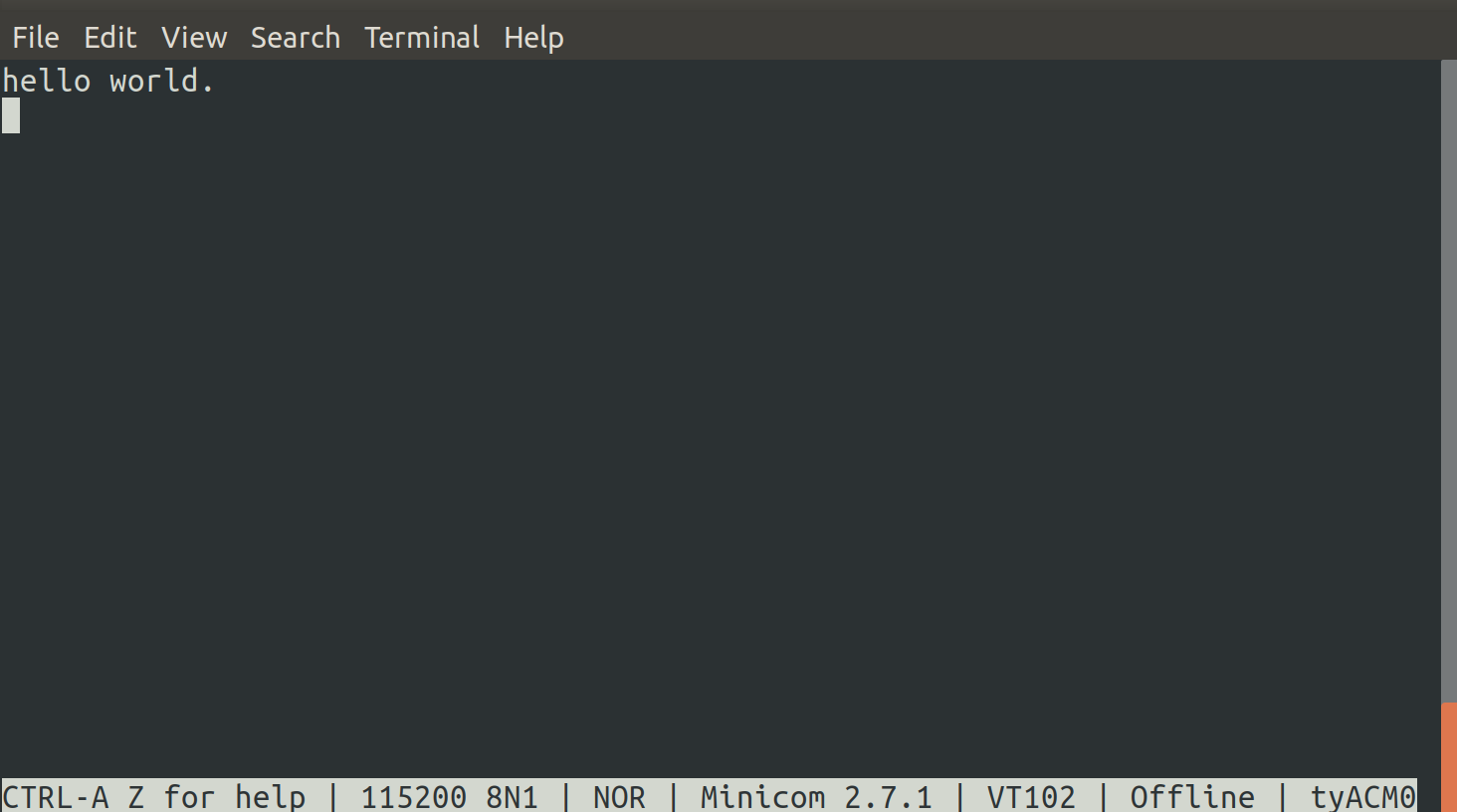
“hello world.” is printed on the coprocessor’s debug UART: