Debian Netinstaller on TX6
Use DEBIAN-NETINSTALLER for Mfgtools version 2018-08 or later to set up a TX6 module with the Debian Stretch netinstaller. This will enable you to install the entire Debian distribution on a TX6 module. The netinstaller assumes that the TX board has a connection to the Internet. After installation follow these steps as a guideline.
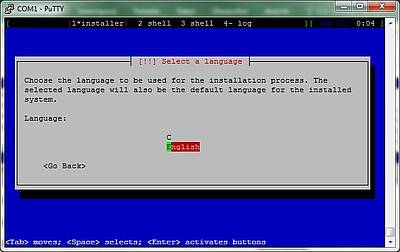
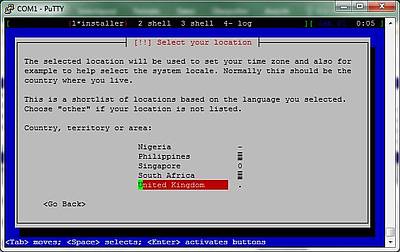
1. Select language and location
Be sure Ethernet is connected and the TX board has access to the Internet. After reboot follow the standard netinstaller questions:
2. Configure the network
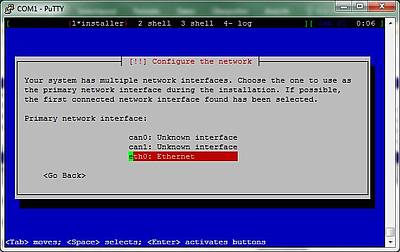
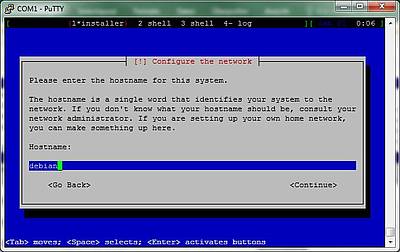
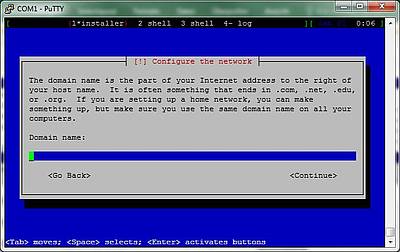
3. Choose a mirror and download installer components
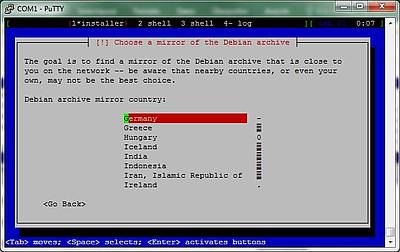
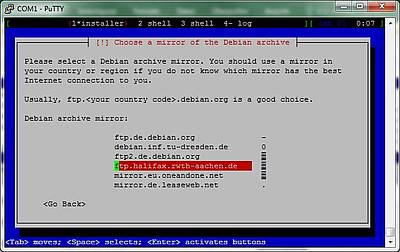
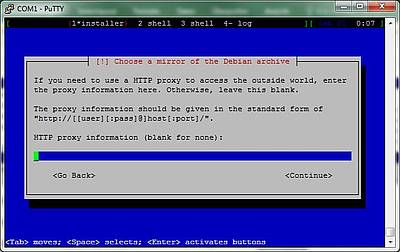
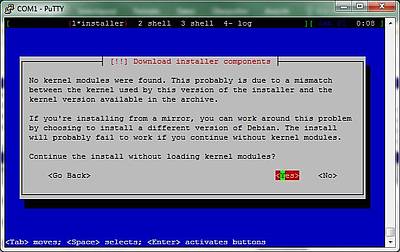
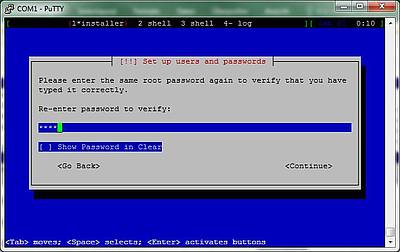
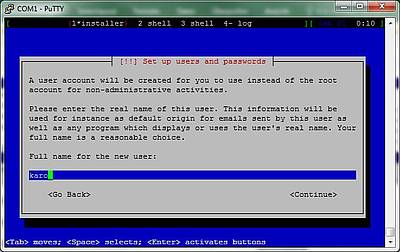
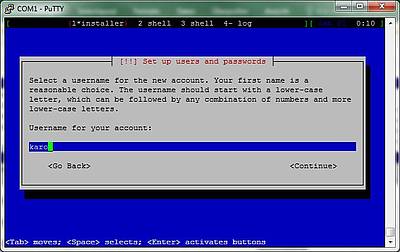
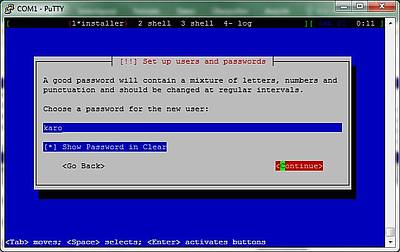
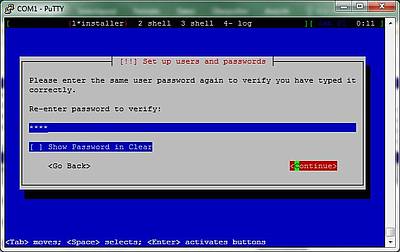
4. Set up users and passwords
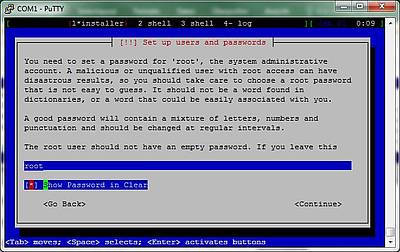
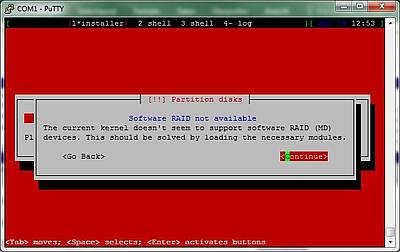
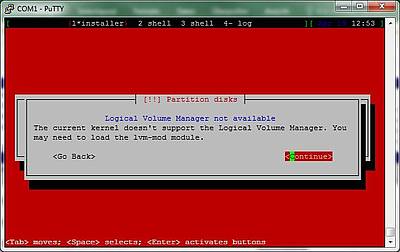
5. Ignore partitioning warnings
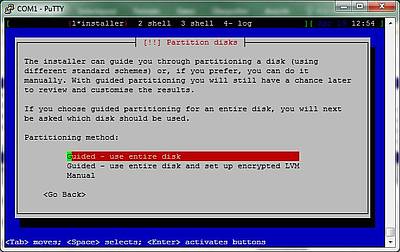
6. Partitioning
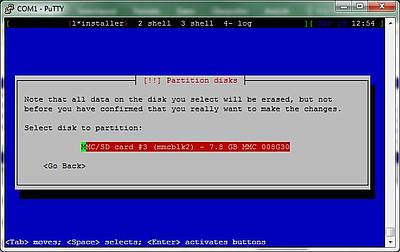
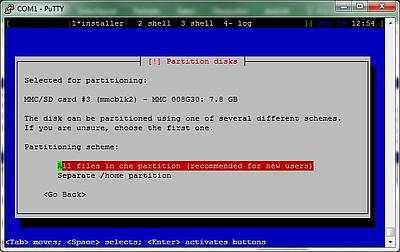
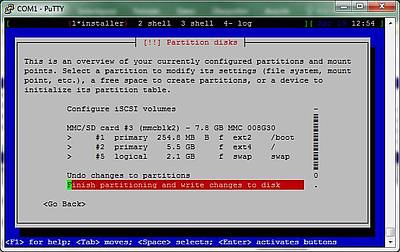
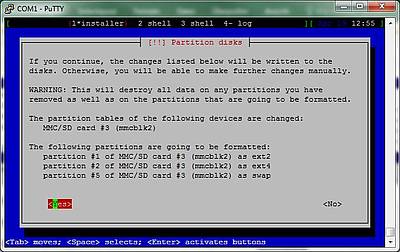
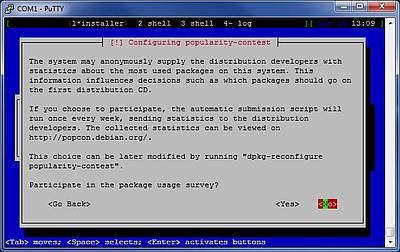
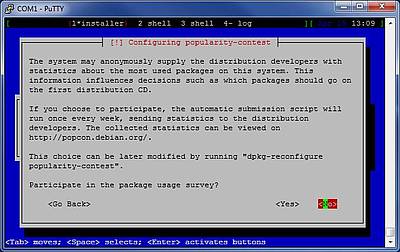
7. Popularity-contest
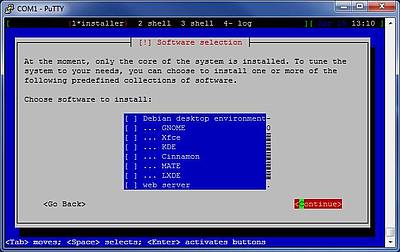
8. Software selection
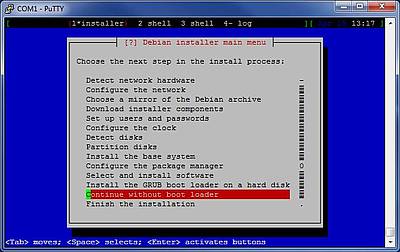
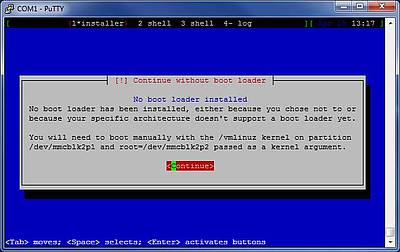
9. Ignore Grub warning
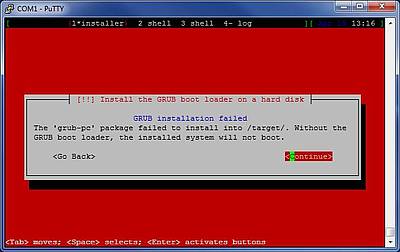
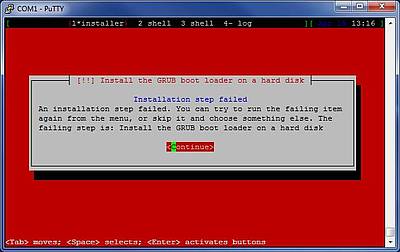
10. Continue without bootloader