Development environment setup
This page describes the host setup (MCUXpresso SDK, GNU toolchain, CMake) and the BSP changes needed to run Cortex-M firmware on NXP i.MX8 (8M Mini/Nano/Plus) and i.MX9 (93) modules.
MCUXpresso SDK
NXP provides the MCUXpresso SDK to develop on the Arm Cortex-M side. It brings open source drivers, middleware, reference example applications and documentation to speed up your software development.
Warning
The MCUXpresso SDK is not supported by the MCUXpresso IDE. The attempt to import the SDK fails with a complaint about not supported tool chain.
To configure and download your MCUXpresso SDK, go to the NXP website: MCUXpresso SDK Builder
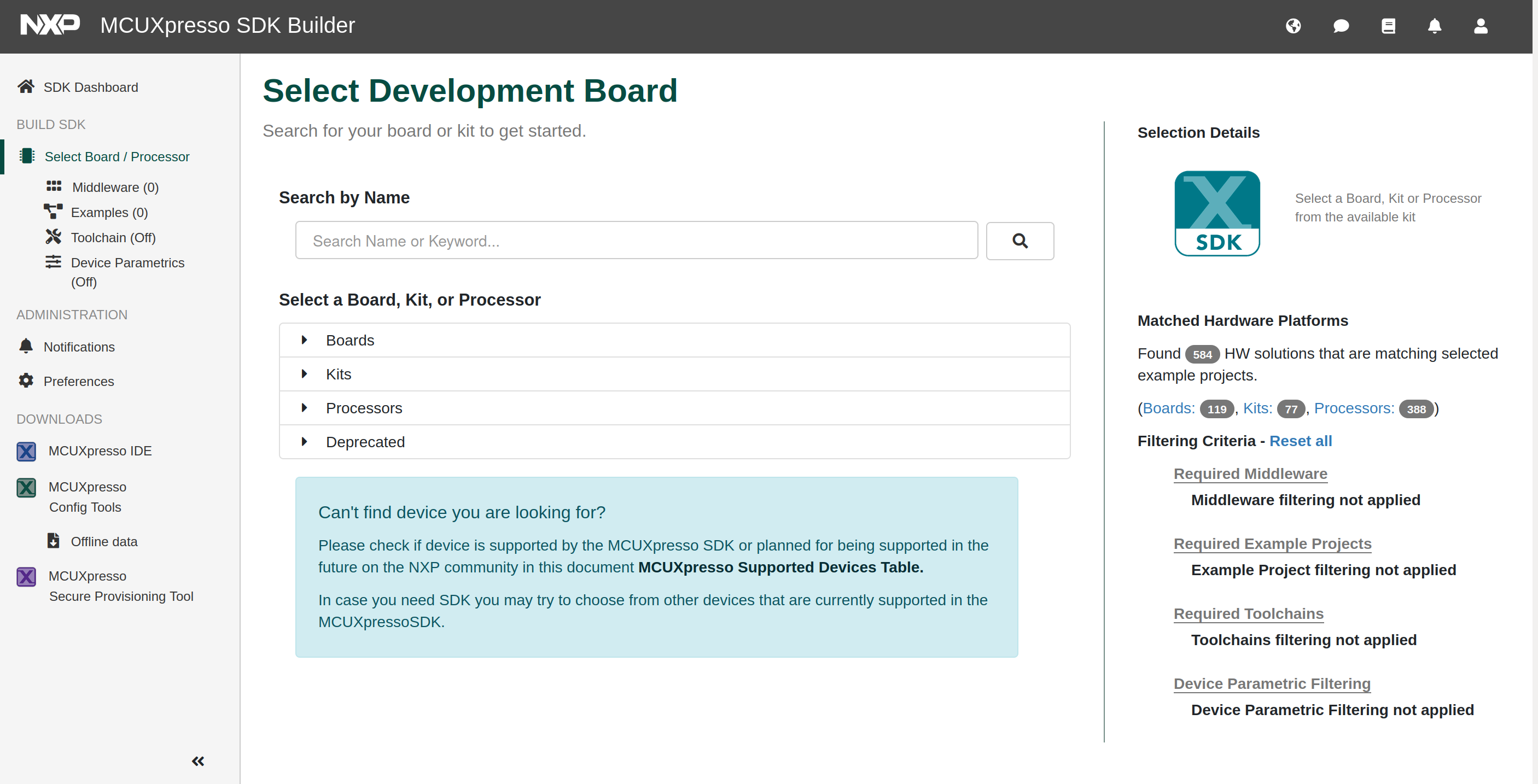
Inside ‘Select a Board, Kit, or Processor’ select the SDK matching your module:
Module |
MCUXpresso SDK to select |
|---|---|
QS8M-MQ00, QSXM-MM60, TX8M-1610, TX8M-1620 |
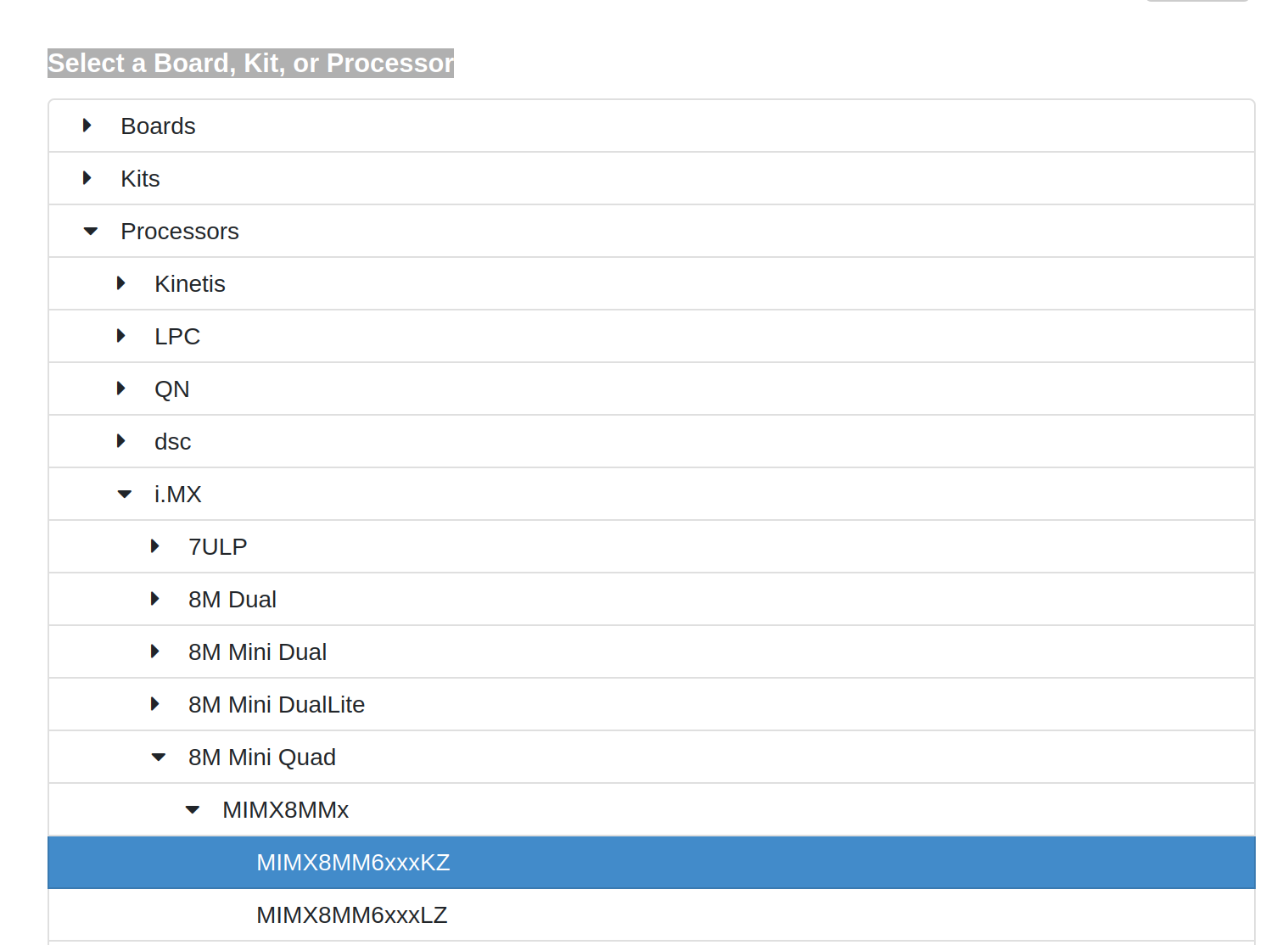
i.MX -> 8M Mini Quad -> MIMX8MMx -> MIMX8MM6xxxKZ |
QS8M-ND00, TX8M-ND00 |
i.MX -> 8M Nano Dual -> MIMX8MNx -> MIMX8MN4xxxIZ |
QSXP-ML81, TX8P-ML81 |
i.MX -> 8M Plus Quad -> MIMX8MLx -> MIMX8ML8xxxKZ |
QS93-5210, TX93-5210 |
i.MX -> 93 -> MIMX93xxx |
Example: select Processors -> i.MX -> 8M Mini Quad -> MIMX8MMx -> MIMX8MM6xxxKZ when working with a QS8M-MQ00.
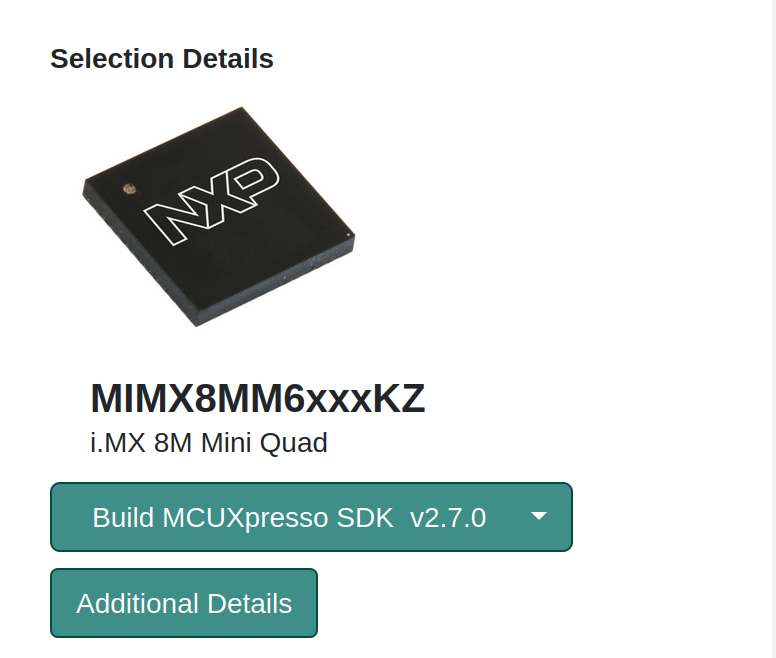
Then press the build button on the right side:
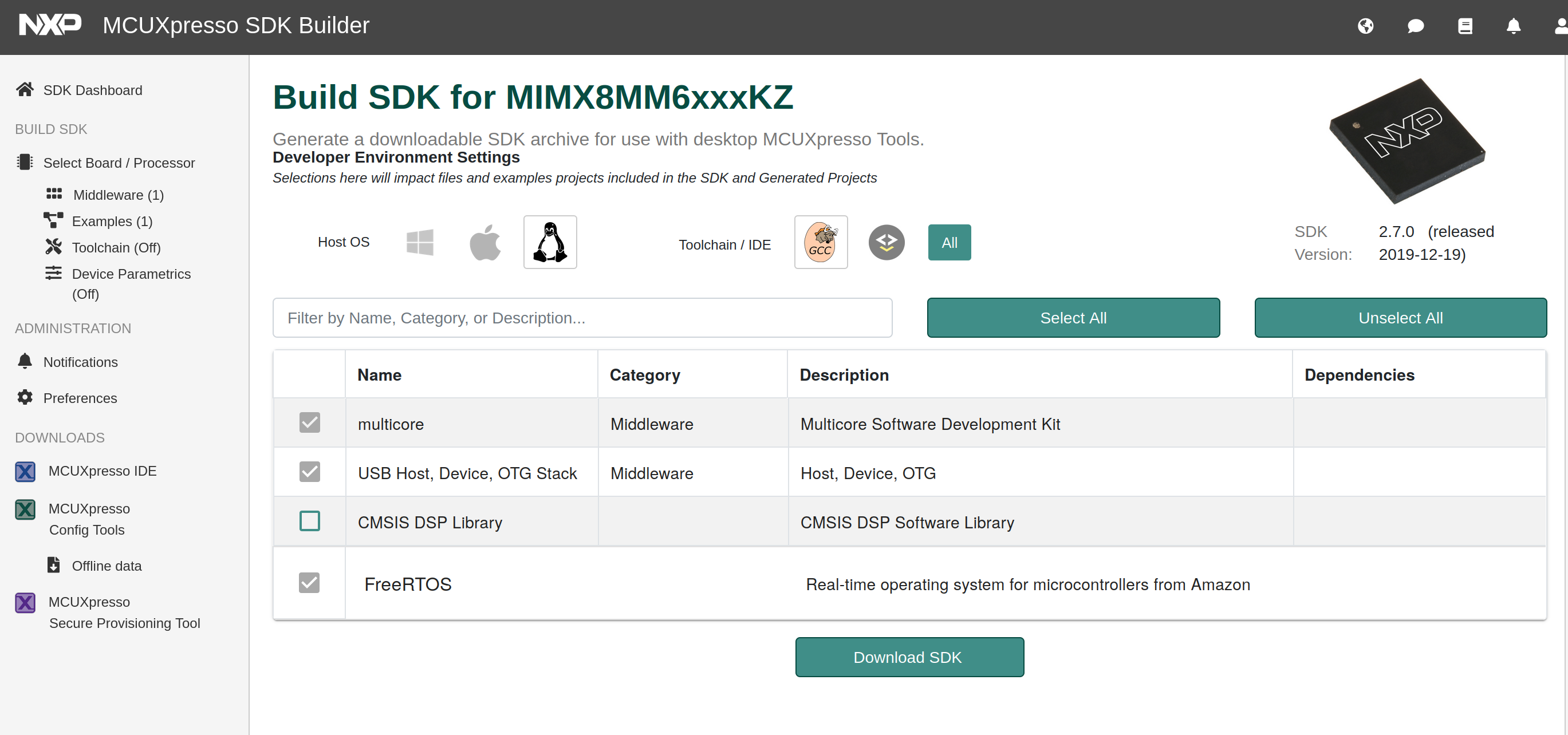
The MCUXpresso SDK Builder shows a summary where you select your Host OS and Toolchain:
After download and installation, check the SDK’s docs folder — especially the document
‘Getting Started with MCUXpresso SDK’ for your processor family.
GNU toolchain
To build the SDK examples, a cross compiler for the Cortex-M core is needed. A ready-to-use GNU Arm Embedded Toolchain can be downloaded from the Arm developer website.
There are toolchains for Windows, Linux and macOS (32/64 bit). For a Linux host, download and
unpack e.g. gcc-arm-none-eabi-10-2020-q4-major-x86_64-linux.tar.bz2.
Create the environment variable ARMGCC_DIR pointing to your toolchain installation path and
append the toolchain’s bin folder to PATH:
export ARMGCC_DIR=<path to your toolchain installation>/gcc-arm-none-eabi-10-2020-q4-major
export PATH=$PATH:$ARMGCC_DIR/bin
Check the installation in a new terminal:
arm-none-eabi-gcc --version
(GNU Arm Embedded Toolchain 10-2020-q4-major) 10.2.1 20201103 (release)
...
CMake
The SDK examples use CMake instead of plain makefiles. If CMake is not installed on your host:
sudo apt install cmake
Customizing the BSP for coprocessor support
To download and start the Cortex-M firmware from U-Boot, the U-Boot command bootaux must be implemented. Also the Linux kernel needs some features to communicate between the main processor and the coprocessor.
To support customers, Ka-Ro provides the distro feature copro (available for the i.MX8M and
i.MX93 machines). In your Yocto build folder, add the line to conf/local.conf:
DISTRO_FEATURES:append = " copro"
Furthermore, some special devicetree entries are needed. They are provided by the devicetree
overlay karo-copro (available for imx8mm, imx8mn, imx8mp and imx93). Add the overlay name to
the matching overlays_<baseboard> variable in the U-Boot environment:
setenv overlays_<baseboard> ${overlays_<baseboard>} karo-copro
saveenv
reset
On i.MX8M Plus and i.MX93 you may also want to add clk_ignore_unused to the Linux boot
arguments (replace debug with quiet to suppress debug output):
setenv append_bootargs debug clk_ignore_unused
saveenv